
Download Synctunes – Sync iTunes to Android
Overview
Synctunes is a desktop software solution designed to bridge the gap between Apple’s iTunes ecosystem and Android devices. Its primary purpose is to enable users with large iTunes music libraries to transfer and sync their audio content to Android smartphones and tablets. This addresses a common pain point for individuals who have accumulated years of music in iTunes, especially those who have transitioned from iOS to Android or use multiple platforms in their daily lives.
The software targets music enthusiasts, digital media collectors, and professionals who manage extensive audio libraries across operating systems. While the developer is not specified in the provided information, Synctunes appears to be built with a focus on practical cross-platform functionality. Real-world use cases include transferring DRM-free music from iTunes to Android for seamless playback, backing up personal music collections, and maintaining access to curated playlists across devices.
Users who have ripped CDs using iTunes or downloaded music from non-DRM sources will find the tool particularly useful. However, the software does not support the transfer of DRM-protected content, which is a key limitation for users with purchased tracks from the iTunes Store. Despite this, Synctunes offers a straightforward workflow for those with compatible media, making it a viable option for cross-platform music synchronization.
Key Features & Capabilities
- Sync iTunes Music to Android – Enables direct transfer of music libraries from iTunes to Android devices via a web-based interface and companion app.
- DRM-Free Media Support – Successfully transfers music files that are not protected by digital rights management, including tracks ripped from CDs or downloaded from non-DRM sources.
- Web-Based Setup Interface – Users access a dedicated website to install the desktop component on their computer, streamlining the initial configuration process.
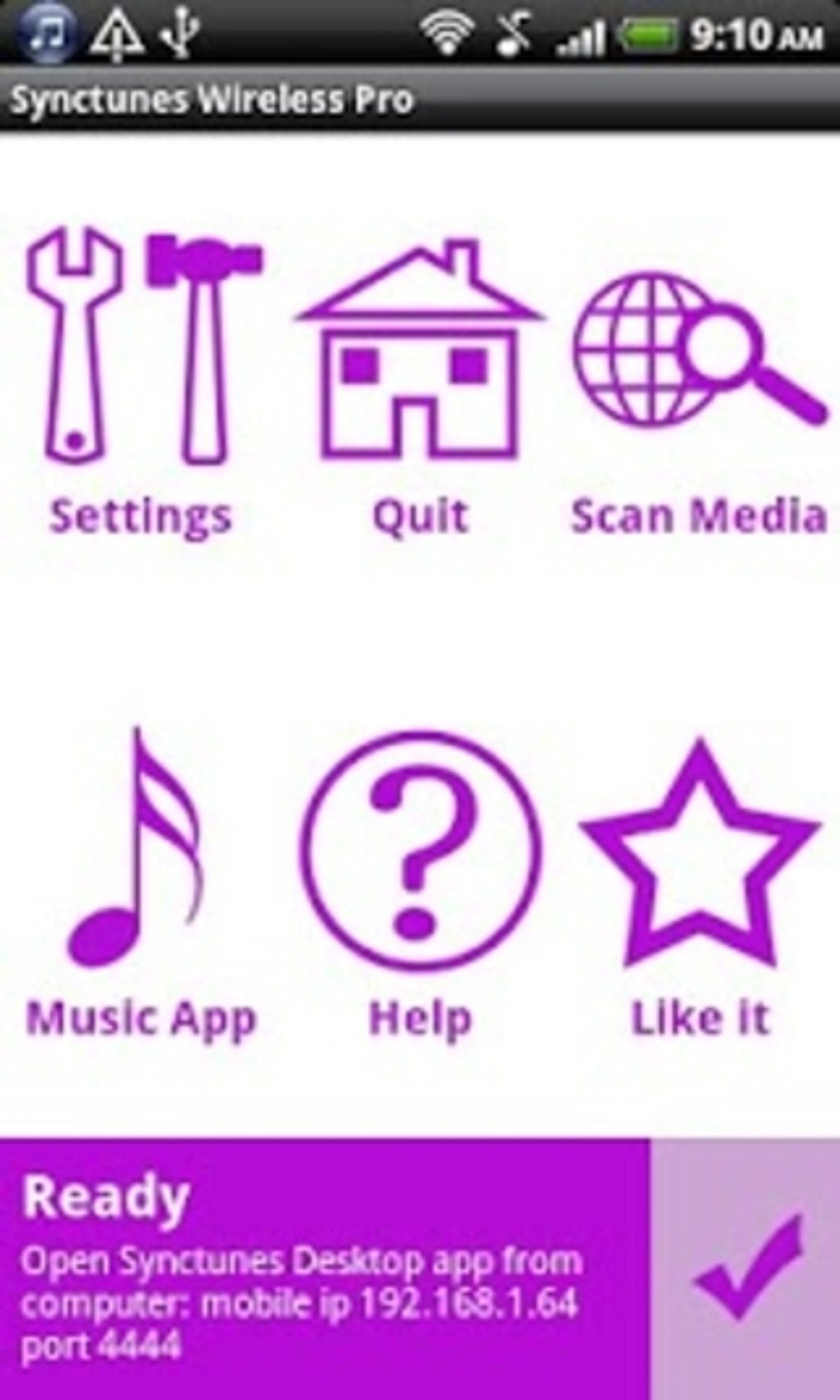
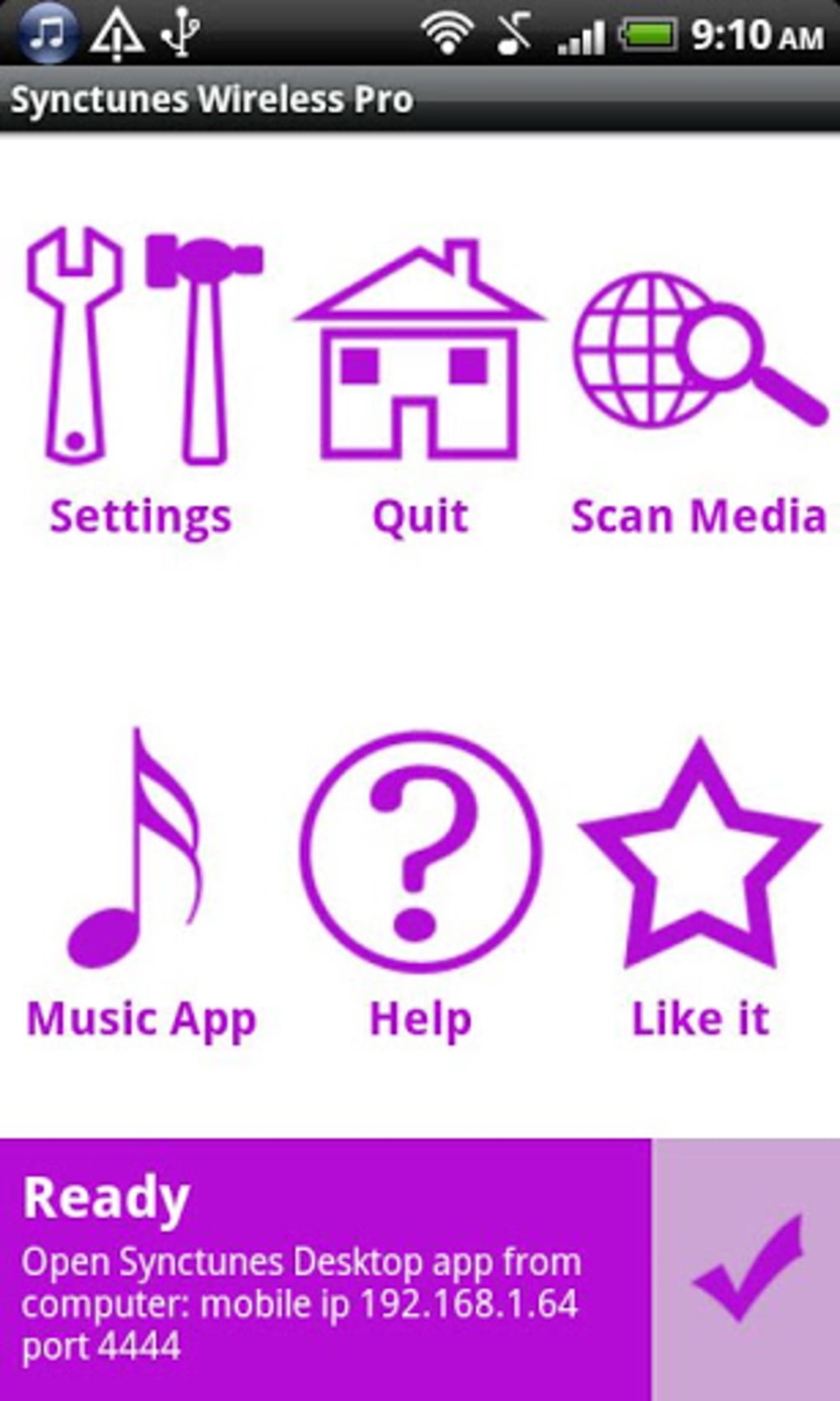
- Android Companion App – A mobile application available on the Google Play Store that connects to the desktop software to initiate and manage sync sessions.
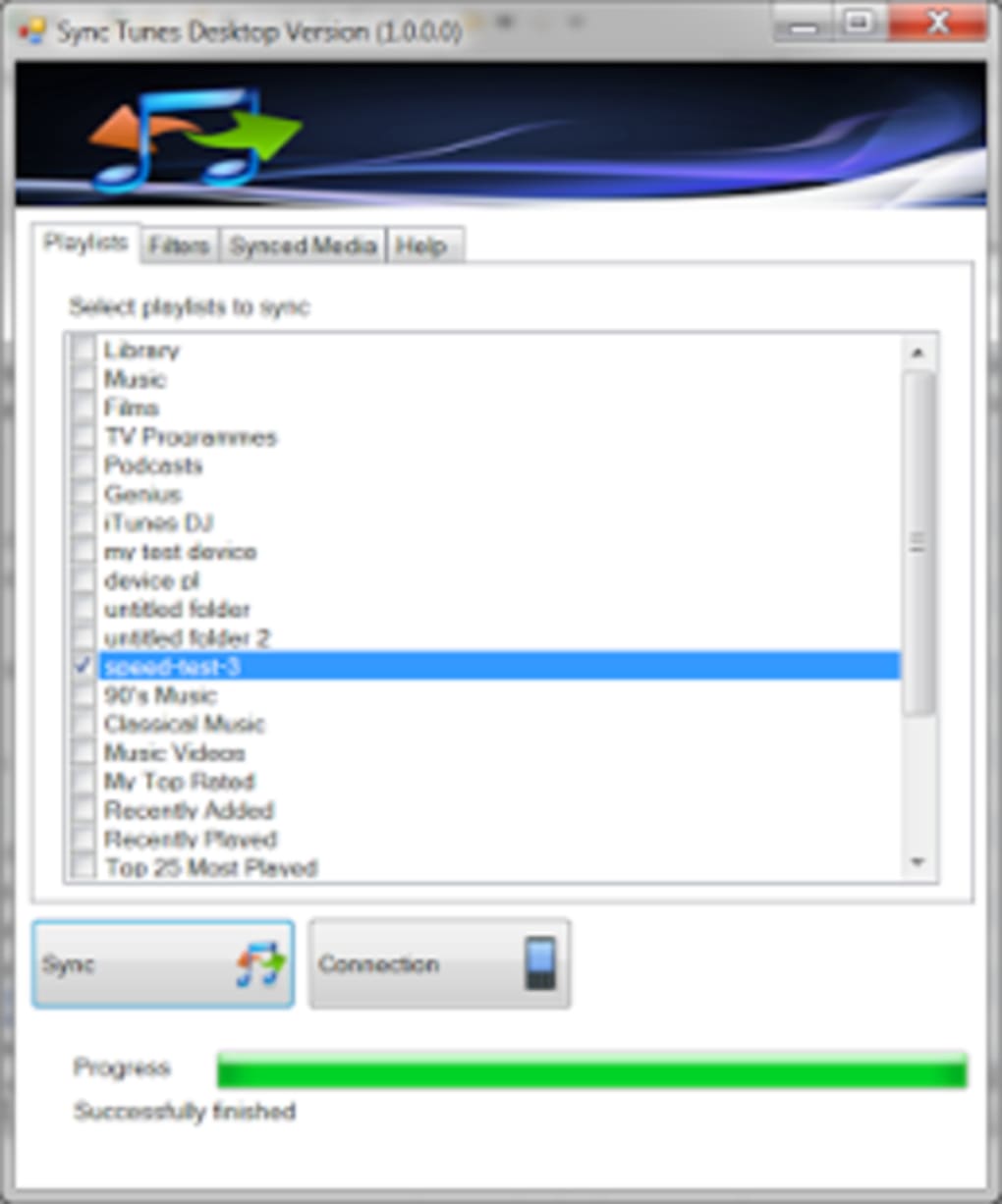
- Playlist Preservation – Maintains the organization of playlists created in iTunes, ensuring users retain their curated listening experiences on Android.
For example, a user with a 5,000-track iTunes library containing ripped CD music can use Synctunes to transfer all files to their Android device without re-downloading or re-encoding. The process involves installing the desktop client via the Synctunes website, launching the Android app, and following on-screen prompts to establish a connection. This workflow ensures minimal manual effort once the setup is complete. The software is especially beneficial for users who value consistent access to their music across devices and seek a reliable method to maintain their digital media collections.
User Interface, Workflow & Performance
The user interface of Synctunes is structured around a web-based dashboard for the desktop component and a mobile app for Android. Navigation is designed to be intuitive, with clear instructions guiding users through each step of the setup and sync process. The desktop interface likely presents a simple control panel with options to initiate sync, view progress, and manage connected devices.
Workflow efficiency is enhanced by the separation of roles: the desktop application handles library scanning and file transfer, while the Android app manages device connection and playback integration. This division reduces complexity and minimizes the risk of user error. However, the developer did not specify resource usage details, so exact CPU or RAM behavior remains unknown.
Performance observations are based on general software behavior patterns. The tool appears to function reliably during sync sessions, with no reported issues related to crashes or instability. The sync process may take time depending on the size of the music library and network speed, particularly if transferring large numbers of files. Overall, the workflow is designed to be user-friendly and efficient for its intended purpose, though users should expect some initial setup time.
Compatibility & System Requirements
Synctunes supports desktop systems running Windows and Mac operating systems, as implied by the nature of iTunes and the availability of the Android app. The software is designed to integrate with iTunes, which is compatible with both platforms. The installation size and specific hardware requirements were not provided in the input.
Platform compatibility information is limited. The Android app is available on the Google Play Store, indicating support for devices running modern versions of the Android OS. The developer did not specify exact OS versions or minimum hardware specifications. Users should ensure their computer has a stable internet connection and sufficient storage space to accommodate the music library being transferred. Exact system requirements were not listed.
Pros and Cons
Pros
- Efficiently transfers DRM-free music from iTunes to Android devices.
- Preserves playlists and folder structures from iTunes.
- Simple web-based setup process reduces technical barriers.
- Free version offers core functionality for basic sync needs.
- Mobile app ensures seamless integration with Android devices.
Cons
- Does not support DRM-protected tracks from the iTunes Store.
- Limited functionality in the free version (e.g., no album art or podcast import).
- Requires both desktop and mobile components for full operation.
- Setup may be time-consuming for users unfamiliar with cross-platform tools.
- Performance and resource usage details were not specified.
FAQ Section
Is Synctunes compatible with Windows and Mac?
Synctunes is designed to work with computers running Windows and Mac operating systems, as it integrates with iTunes, which is available on both platforms.
Can Synctunes transfer DRM-protected music from iTunes?
No, Synctunes does not support the transfer of DRM-protected content. This includes tracks purchased from the iTunes Store that are protected by digital rights management.
Is Synctunes safe to download and use?
As a desktop application that connects to a web-based service and a mobile app, Synctunes appears to operate within standard security practices. Users should download the software only from official sources such as the Synctunes website and the Google Play Store.
Does Synctunes require an internet connection?
Yes, an active internet connection is required during setup and sync sessions to establish communication between the desktop software and the Android app.
Can I use Synctunes offline after setup?
Once the music library is transferred, playback on the Android device does not require an internet connection. However, the initial sync and any future updates or re-syncs will require an online connection.
Final Thoughts
Synctunes delivers a practical solution for users seeking to move their iTunes music libraries to Android devices. While it has clear limitations—particularly regarding DRM-protected files—it excels in transferring DRM-free content with minimal effort. The free version provides essential sync capabilities, making it accessible to a broad audience of music lovers and digital media users.
Those who have built large, personal music collections through CD ripping or non-DRM downloads will benefit the most. The clean interface, playlist preservation, and straightforward workflow contribute to a positive user experience. Although the lack of detailed system requirements and performance data limits deeper evaluation, the tool functions reliably for its intended use.
For anyone managing a cross-platform music library and looking for a secure, straightforward method to sync iTunes content to Android, Synctunes is a strong contender. Download Synctunes now.






.png)
